"Related Documents" Tab: Add A Document to Your Project In Seconds
Worksheet Information is Auto Transferred to New Documents For Quick Ordering
 Construction project documents are hard to keep track of, and can require a huge amount of information. Contracts themselves contain names of the owner, contractor, subcontractors, architects, contract price, project location, project duration, start date, etc., and that's not even counting the terms of the contract. All of this information is necessary and useful, but inputting the information is time intensive.
In the past, lien documents, including notices to owners, lien claims and lien releases, have also been cumbersome and time intensive. When LienItNow began providing its services, its main goal was to provide the construction industry a quicker and easier way to gather and input that information, and to provide a better way to keep track of lien documents. Recently, LienItNow has made lien document filing even easier.
"Related Documents" selections have been available at checkout for some time. When ordering a lien for a construction project, if a prelien (or other document) is needed to go with that construction lien claim, it could be added with one click, and the information entered for the lien claim would be transferred to the prelien. Ordering multiple documents made easy.
Great for adding prelien notices, lien releases, or mechanics liens days or months after your initial order.
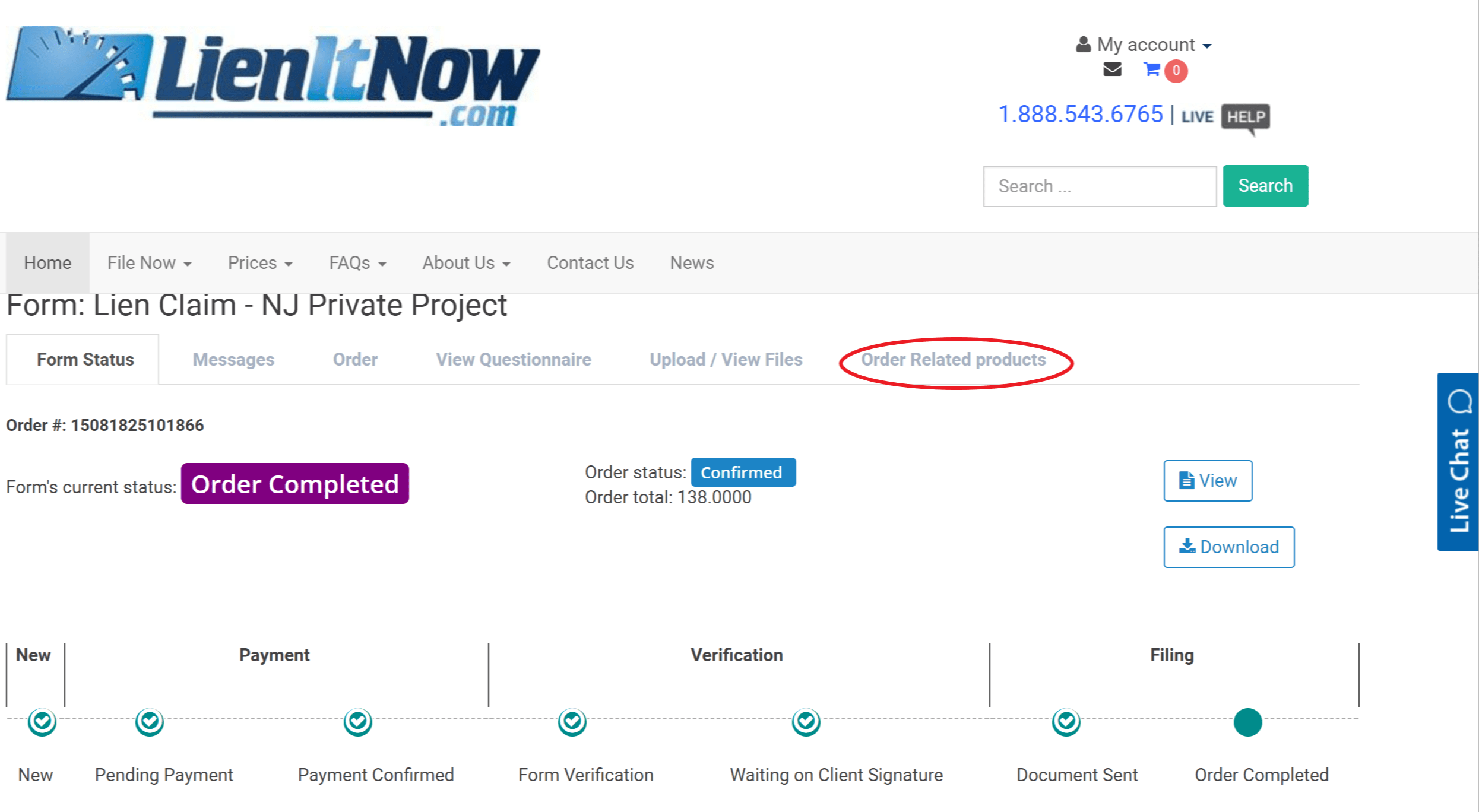
Over time, it became clear that there was a need to add related documents days or months later. Many times the preliminary notice ordered in February resulted in a lien needing to be filed in August. While entering the lien information would take 10 minutes or less, LienItNow's "Order Related Products" brings the amount of time down to only seconds.
How to Order a Related Product:
1. Log into your account
2. Click on "Manage" next to the order to which you want to add a new document
3. Click on the "Order Related Products" tab on the upper right side
4. Select which product you want to add to your account.
5. The information from your previous order will transfer to the new document. You just review for accuracy and complete your new order.
LienItNow's Time Saver - The Information Transfer System
Since you don't have to re-enter all the information you already provided on the original order, ordering new documents becomes incredibly easy. Whether you are adding a document from your computer, smartphone or tablet, LienItNow's system is the easiest and fastest way to protect your lien rights and get paid.
 We get it, contractors do everything themselves. And sometimes you don't want to wait a day or two for us to review your document for errors; you just want to get it out the door. While having someone double check your work is a bonus, if you're sure that what you entered is not going to change, you can do it yourself. That's why we've implemented a DIY option.
 Yes, cloud based services are all the rage, and there's good reason for that. Viruses mess with all of our computers, the wrong button is accidentally pressed and "poof!", an entire file is gone, never to be seen again, or someone gets a new computer and the info on the old computer doesn't quite make it over. We're pretty sure the same thing happens to our clients, because we frequently receive requests for lien documents that have been filed or served by us. Getting those documents for our clients, in many circumstances, wasn't easy. We had to verify that it was actually our customer who was asking for the document before providing it, and sometimes the document was so old we had to get it from physical storage: not an easy process.
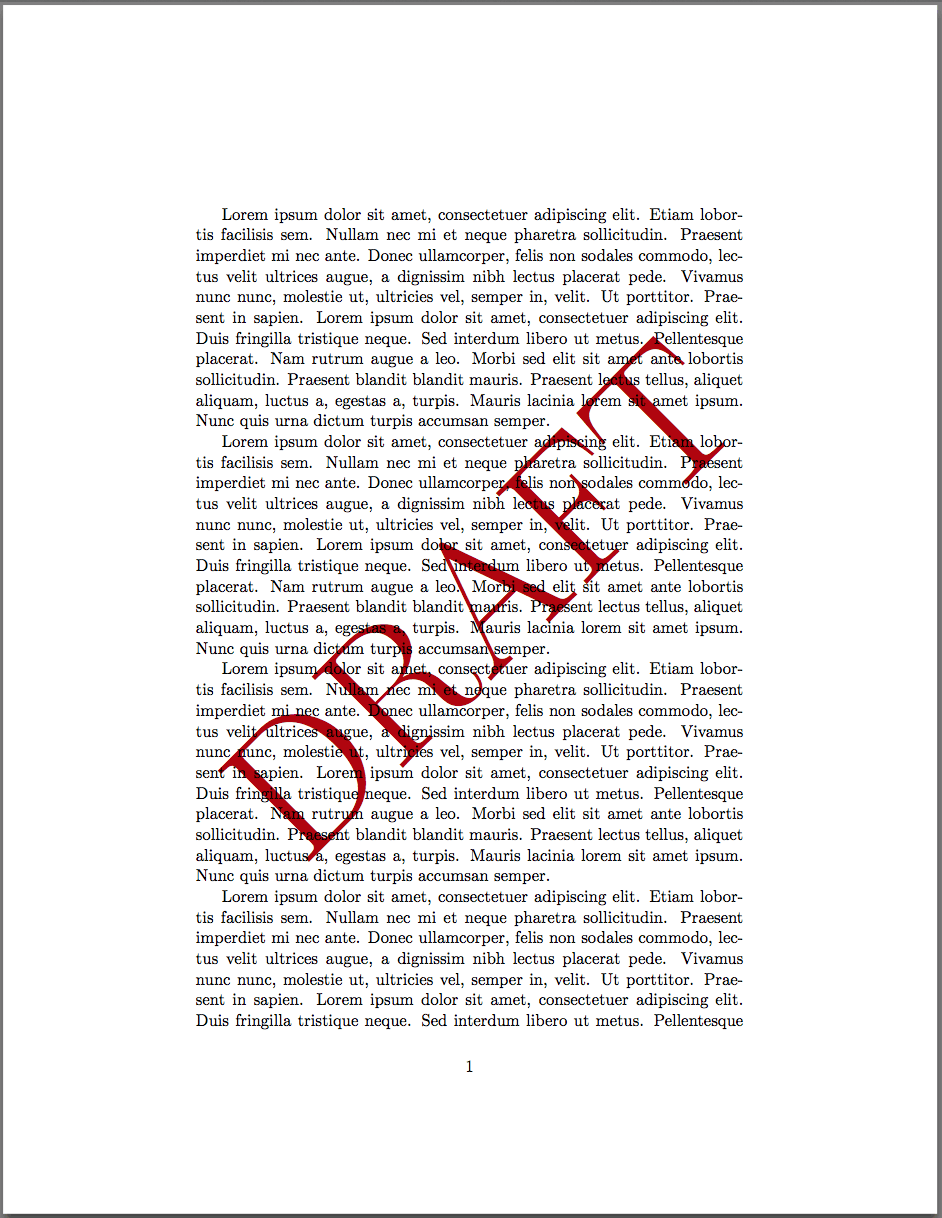 What's that square on the upper right hand side of the lien questionnaire? Its a free Lien Document Preview!